Blogi


Optimizing your LinkedIn company page helps you explain what your business does, who it serves and how to get in touch. Get practical advice on content, visuals and measurement.
When a potential customer opens your company’s LinkedIn page, they want to know what you do and whether you could help their business. A clear description answers that question. Up-to-date information, posts that demonstrate your expertise and a working website link help them assess whether you are a good fit and explore further.
LinkedIn company page optimization is about making these things easy. In this guide, we cover your company description, visual identity, basic information, calls to action and measurement. You will also find sample copy and a checklist for updating your page. The focus is on your company page, not personal profiles or a broader LinkedIn strategy.
Why optimize your LinkedIn company page?
A company page helps B2B buyers assess potential partners
A business customer might reach your page through a post, an employee’s profile, LinkedIn search or after hearing your company’s name elsewhere. They may not be ready to get in touch yet. They may simply be checking whether your business meets their needs.
A description that clearly explains your services, a recognizable visual identity and current posts make that assessment easier. If information is missing or outdated, visitors have to look elsewhere for answers.
The goal of optimization is not to create the most impressive-looking page. What matters more is that visitors do not have to guess what your company does or how to contact you.
Your page supports your brand and wider marketing
Your LinkedIn page should convey the same understanding of your business as your website, sales materials and customer interactions. If LinkedIn emphasizes one service while your website focuses on something entirely different, visitors may be unsure what your business specializes in.
A consistent message makes your company easier to recognize and your services easier to understand. Our article on the role of social media in brand growth explores this connection further.
A company page is particularly useful when your target customers and partners use LinkedIn professionally. You do not need to maintain a presence just because your competitors have one. If its purpose is still unclear, our guide to choosing the right social media channels for your business can help you decide where to invest your time.
What are the key areas of LinkedIn company page optimization?
The foundations of your company page are its name, tagline, company description, basic information, logo, cover image and website link. Your name and logo help people recognize your business. The tagline and description explain what you offer. The link takes visitors to more detailed information.
Use your company name consistently. Avoid adding service keywords to the name field solely to improve visibility. They fit more naturally in your tagline, company description and fields designed to describe your services.
Check your industry, location, company size and any other available basic information, too. Outdated details can raise unnecessary questions, even if your service description is clear.
Alongside the service itself, your tagline should describe your target audience or what the service is used for. A fictional IT services company could use:
IT maintenance and support for small and medium-sized businesses. We keep your day-to-day IT running and help users resolve technical issues.
This says more than “Your trusted partner for a digital future.” Visitors can identify both the service and who it is intended for.
LinkedIn’s fields, action buttons and analytics views can change. Check your page’s admin view to see which features are available, and do not build your contact journey around a function your page does not have.
How do you write a company description that builds trust?
Start with what your company does and who it serves
Begin your company description with what matters most to customers. Your history and values can add context, but visitors looking for a service first need to know whether you help customers like them.
The following before-and-after example is fictional.
Before:
We are an innovative, customer-focused consultancy offering high-quality, end-to-end solutions across a range of industries.
After:
We design and implement production automation solutions for Finnish industrial companies. Our work covers an assessment of existing operations, design and commissioning.
The second version identifies the target audience, service and scope of work. Readers can use that information to decide whether to explore the company further. Only include information that reflects what your business actually does.
Make your value proposition concrete
A value proposition explains what customers gain and why they should consider your company. It does not have to be a slogan.
The benefit might come from understanding a particular industry, clearly defined responsibilities or having one partner handle both design and implementation. Simply mentioning a feature is not enough, though: explain what it means for the customer in practice.
“We offer a personal service” is vague. If your way of working supports the promise, you could describe it like this:
You will have a dedicated contact who understands the agreed scope and coordinates the work. You will know who to turn to throughout the project.
A concrete description helps customers understand your service. It also sets an expectation your business must be able to meet.
Use language your customers know
Describe your services using the terms customers use when discussing their needs, such as accounting services, machining services or website design. This helps visitors quickly recognize whether your expertise is relevant to their situation.
There is no need to collect keywords in a separate list at the end of the text. Work them into your descriptions of services, target audiences and expertise. You can also use relevant terms in other page fields provided for that purpose.
Avoid internal abbreviations and concepts that a new customer would not understand. If a specialist term is necessary, briefly explain what it means in practice.
How does LinkedIn optimization differ from website SEO?
LinkedIn company page optimization focuses on page information, content and making it easier for visitors to take the next step. Recognizable service terms are useful, but using them does not guarantee a particular ranking in LinkedIn search.
Website search engine optimization, or SEO, also considers technical performance, site structure and how well content matches customers’ searches. A LinkedIn page may appear in search engine results, but optimizing it is not a substitute for improving your own website.
The channels serve different purposes. On LinkedIn, customers can get a sense of your expertise, while your website offers more room to explain your services, approach and past work.
Which visual elements have the greatest impact on first impressions?
A recognizable logo and a purposeful cover image
Your logo needs to be recognizable even at a small size. If it contains a lot of detail or small text, use a version designed for smaller formats in line with your brand guidelines.
Your cover image can show your working environment, illustrate a service or briefly communicate a customer benefit. You do not need to fit every service and contact detail into a single image.
For an industrial services company, an image of a real working environment may communicate more than a generic office photo. If you add text to the image, keep it short and check that it is readable on a phone.
Use LinkedIn’s current image size recommendations and check the result on the public page. Cropping and the placement of your logo may obscure part of the cover image.
A consistent visual identity makes your business easier to recognize
Your company page and posts do not need to look identical, but they should have a recognizable connection to your website and other communications. Colors, image style and tone of voice help create that connection.
Visuals alone do not demonstrate expertise. Their purpose is to support your message and help visitors recognize your company across channels. Our article on building a strong brand and a consistent visual identity explains why branding extends beyond a logo.
How does a LinkedIn company page encourage visitors to get in touch?
Choose a call to action based on the visitor’s needs
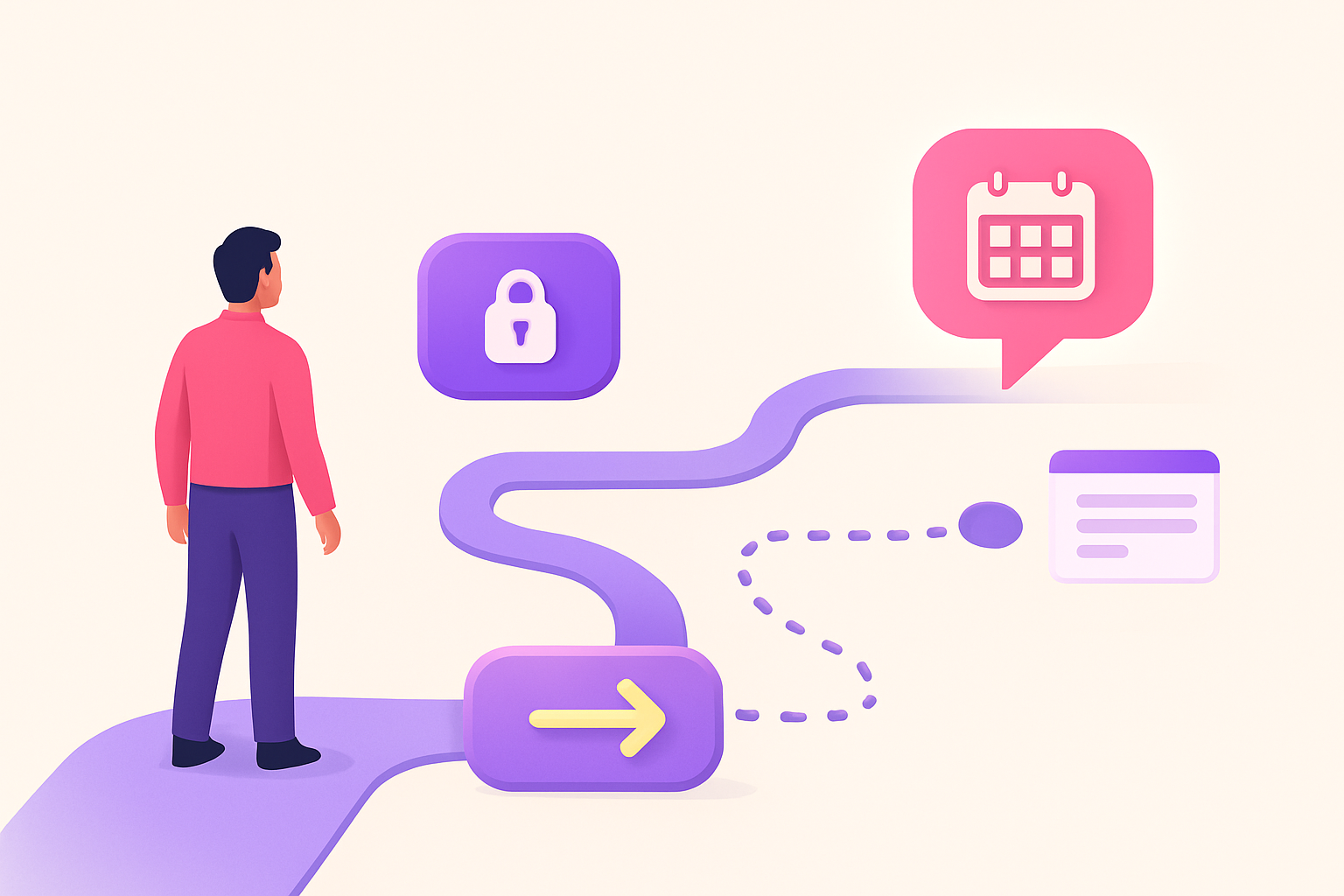
A call to action, or CTA, tells visitors what they can do next. It should reflect what they already know about your business and what they need to help them make a decision.
If they need to learn more about the service first, “Explore our services” may feel more natural than a direct request to get in touch. When your company description already helps them identify a suitable service, “Tell us about your situation” offers a clear way to start a conversation.
Use your page’s action button if one is available. You can also add brief guidance at the end of your company description. Not every post needs to end with an invitation to get in touch, though: an expert post could instead link to a guide that explores the topic in more depth.
Link to a page that continues the same message
Your website link can lead to the homepage if it introduces the business and clearly guides visitors to your services. If your LinkedIn page focuses on a particular service, the relevant service page may be more useful.
The link destination needs to deliver on its promise. A “Book a call” prompt should lead to a page where booking is easy.
Here, a landing page means the page visitors arrive on from LinkedIn. It should continue the same topic, answer customers’ key questions and provide a clear way to get in touch. If visitors have to start searching for information all over again, they may never reach the contact stage.
Test the entire journey on a phone: open your company page, follow the link and try getting in touch. This will also help you spot problems with your website or contact form.
If messaging is enabled on your company page, agree on who will monitor and respond to messages. Encouraging people to get in touch is of little use if their messages go unnoticed.
How does content support company page optimization?
Your company description explains what your business offers. Posts can show how your experts think and solve customers’ problems.
Choose topics based on real customer questions. An accounting firm could explain what business owners should look for in a monthly report. A technical services company could outline what to clarify before starting a project.
This type of content gives readers useful information and helps them assess your expertise. Not every post needs to introduce a service.
Match your posting schedule to your resources. If posting frequently leaves your content superficial, publish less often and address the customer’s question properly. Keeping your company page current does not require daily posts.
Client examples give your promises a foundation
Case studies, customer feedback and project descriptions help people assess your experience. Alongside a customer’s logo, explain what they needed, what you did and what the work achieved.
Results do not always have to be expressed in numbers. A description of the work may be enough to show that your company understands the customer’s operating environment. Only use accurate, approved information, and obtain permission to publish the customer’s name, feedback and materials.
You can publish a short extract from a customer story on LinkedIn and link to the full version on your website. Our article on using case studies and customer stories to build credibility can help you plan content that supports customers as they assess your business.
How do you measure LinkedIn company page performance?
Distinguish between visibility, interest and inquiries
Choose metrics based on your page’s purpose. If you want to raise awareness of your company, monitor visibility. If your goal is to direct people interested in a service to your website, examine the traffic arriving there and what those visitors do.
Depending on the reports available, LinkedIn analytics can show metrics such as post impressions, reactions, comments, clicks, page visitors and follower growth. Check how each metric is defined: not all clicks necessarily mean a visit to your website.
Impressions indicate visibility, not purchase intent. Comments may show that a topic is generating discussion. Alongside follower numbers, it is important to assess whether you are reaching people relevant to your business.
Use your website analytics to see what visitors from LinkedIn do. Do they explore your services and get in touch? If traffic is arriving but not generating inquiries, examine the destination page’s content and usability, too. Changing your LinkedIn page alone may not solve the problem.
Use UTM parameters to distinguish traffic sources
UTM parameters are pieces of information added to a link that help analytics identify the traffic source and individual link more precisely.
For example, you could use the following parameters in your company page’s link:
utm_source=linkedin
utm_medium=organic_social
utm_campaign=company_page
utm_content=profile_link
These are examples, not a universal naming standard. Align the parameters with your company’s wider tracking practices. Distinguish your company page’s permanent link from links in individual posts if you want to know which route a visitor took to your website.
Test the link and make sure the parameter data appears in your analytics tool. UTM parameters alone do not tell you whether a visit resulted in an inquiry. You also need inquiry tracking for that.
Consent choices, browser restrictions and switching between devices can leave parts of the customer journey untracked. Where appropriate, your sales team should also ask customers how they heard about your company.
Review performance regularly
A monthly review is a practical starting point. If visitor numbers are low, however, avoid drawing firm conclusions from a single month.
Keep a record of significant updates. Knowing when your company description, link or content focus changed makes performance easier to interpret. Compare several periods and account for campaigns and changes in posting frequency, too.
What should you fix first if your page is incomplete?
Start with anything that prevents visitors from understanding what your company does or exploring further. Correct inaccurate basic information, fix broken links and clarify your service description. Add a recognizable logo if one is missing.
Next, make the customer benefit more specific, refine your cover image and test the contact journey. Your page can then serve visitors even while you are still developing its content.
A broader publishing plan and case study content can come next. If time is limited, designing new post templates is not the first priority when your website link leads to the wrong place.
An audit checklist before you finish updating your page
- Name and basic information: do your name, industry, location and other details reflect your current business?
- Tagline: can a new visitor quickly understand what your company does and who it serves?
- Company description: does it explain your services, the customer benefit and reasons to choose your company?
- Service terms: do you describe your services naturally using language your customers know?
- Visuals: do your logo and cover image work on mobile, too?
- Website link: does the link work, and does the destination page continue the same message?
- Call to action: do visitors know what they can do next?
- Content and client examples: does the page feature useful content and approved examples of your work?
- Measurement: can you distinguish traffic from your company page, and is inquiry tracking working?
- Responsibilities: have you agreed on who maintains the information, publishes posts and handles any messages?
Finally, check the public page on both a computer and a phone. The admin view alone does not show how the page looks to a customer.
Common LinkedIn company page mistakes
A vague company description could apply to almost any competitor. Words such as “quality,” “customer-focused” and “end-to-end solutions” do not yet tell customers what they will get. Instead, name the service, target audience and practical benefit.
Conflicting information makes your company harder to assess. If LinkedIn and your website make different promises, update the descriptions to reflect your current business. Customers should not have to work out which one is correct.
A missing call to action leaves interested visitors without guidance. On the other hand, a direct request to get in touch may be premature if you have not explained enough about the service. Offer a next step based on what customers need to help them assess your business.
Tracking follower numbers alone gives a limited picture of your page’s value. Also look at website traffic, customer questions and inquiries. These help you understand whether the page supports your business goals.
Summary and next steps
The goal of LinkedIn company page optimization is straightforward: visitors understand what your company does, find reasons to trust you and know how to explore further.
Start with your company description, up-to-date information and a working website link. Refine the visuals and the contact journey. Then develop content that answers customers’ questions and demonstrates your expertise in practice. Measurement helps you decide what to change.
You can do the work yourself if your company’s message is clear and you have time to maintain the page. Outside support may help if you find it difficult to explain the value of your service or the journey from LinkedIn to your website is unclear. To help you decide, explore what outsourcing social media or managing it in-house involves in practice.
If you would like help improving your company page, get in touch. We can look together at what to address first and how your page can help customers learn about your business and start a conversation.